


A backup the site can actually be restored from
An archive of the site on the same disk as the site disappears with that disk. A backup is a copy you can reach when the server is already down, and from which the project comes back whole.
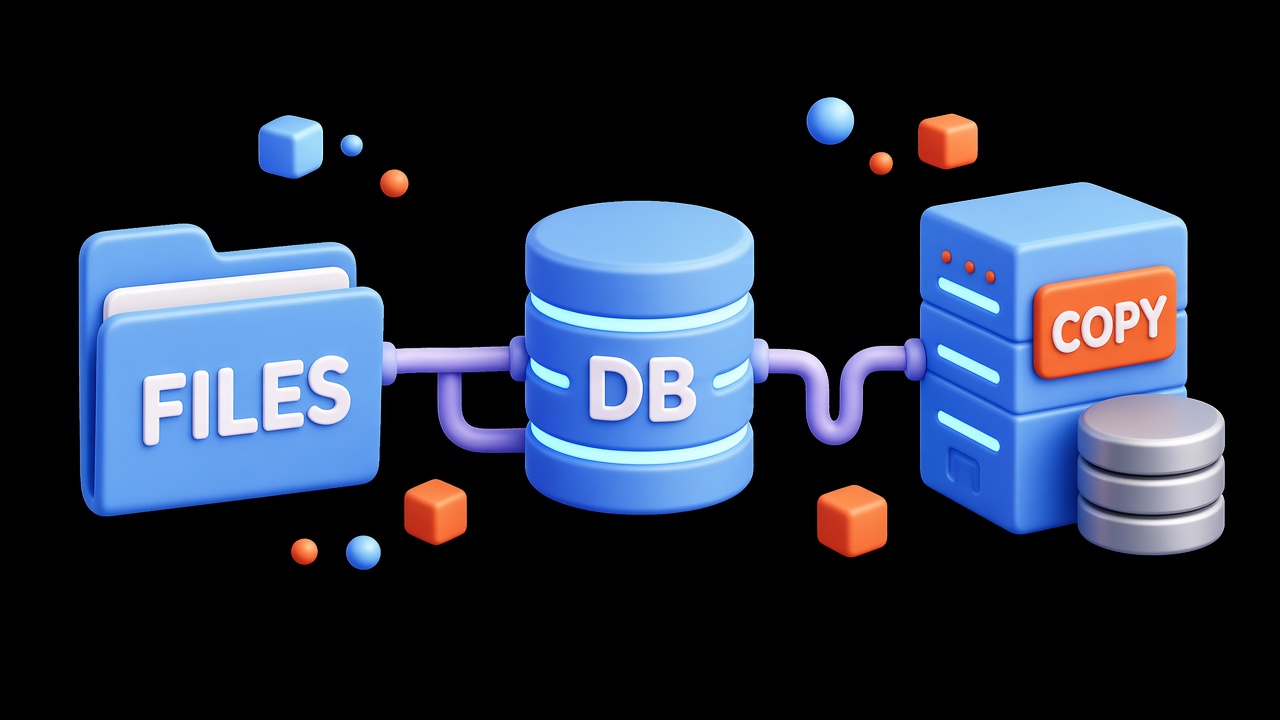
What the copy must include
- the site files, including uploads and configs you edited by hand;
- a database dump, not just the folder with the engine;
- certificates and web server settings, if a panel reinstall would not bring them back.
Files without the database leave an empty shell. The database without the files leaves text without images and without the engine.
Where to keep it
Do not keep the only copy on the same VPS. Another server, object storage, or a disk of your own will do. Two recent copies are usually enough so you are not left with one broken archive. Delete very old ones on a schedule that still matters to you: a year of accounting and a week of cache are not the same period.
Check that it actually opens
Every few months, bring a copy up beside the live site: a separate directory or a temporary server. Open the homepage, sign in to the admin, and see that the content is there. Until you have done that, you do not know whether the backup restores. The day of the failure is a bad time to find out.
Automatic copying helps only together with that check. A script that has been writing an empty archive for a month looks like a calm schedule and saves nothing.
