


When to upgrade a VPS, and when the site is the problem
The site got slower, and the first idea is a bigger VPS. Sometimes that is right. More often the page itself is heavy, while the CPU is almost idle.
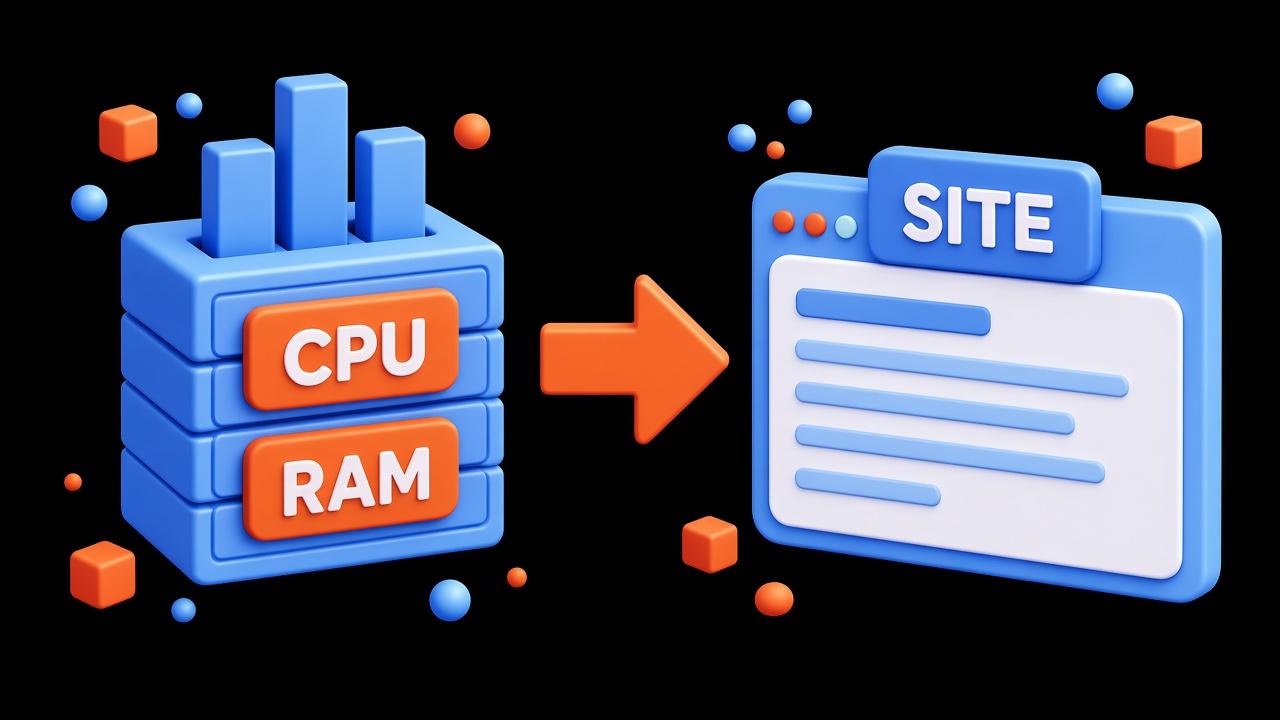
See what is actually busy
In the panel or over SSH, look at CPU, memory, and disk during the hours when people visit. If the CPU hits the ceiling right then, the plan is too small. If the CPU is nearly free and a page still thinks for several seconds, the cause is the code, the database, or the images.
Memory
When free memory is gone and the system falls into swap, the site stutters even on a simple request. That is a reason to add RAM. If memory is free and only one page is slow, look at database queries and the size of the response.
Disk
A full disk breaks the site, mail, and session writes. Remove old logs, cache, and forgotten dumps first. Grow the disk when the space is taken by live data, not by leftovers.
When the site is the problem, not the plan
- pages that rarely change have no cache;
- images weigh several megabytes each;
- every view runs one heavy database query;
- debug mode is still on in production.
A larger plan does not fix those four. Remove the obvious parts and look at the graph again. If CPU or memory sits on the limit on an ordinary day, it is time to upgrade the VPS.


